
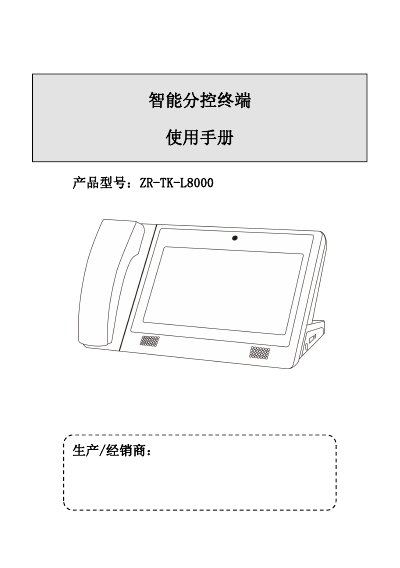
The ZR‑TK‑L8000 central management machine, produced by Smart Distribution Control Terminal, provides functions such as resident calling, center calling, video monitoring, record query and system settings for building security intercom systems. It features a 10.1‑inch LCD display, touch interface, and supports multiple languages.
The manual covers hardware specifications, installation requirements, operation procedures for each function, system configuration, and troubleshooting steps, including power setup, password management, and factory reset. This manual is written in Chinese.
| Power Supply | DC12V |
|---|---|
| Maximum Power Consumption | 6W |
| Network Interface | RJ45 10M/100M |
| Installation Type | Desktop |
| Operating Temperature | -10℃~55℃ |
| Display | 10.1" LCD (1024×600) |
| Dimensions | 323mm × 193mm × 135mm |
The default user password is 000000 and the engineering password is 1111111111; both can be changed in System Settings.
Verify that the power supply and socket are correctly connected and that the network port LED is lit.
Tap the red cross icon at the center of the screen to start the calibration process.