
The NHR-1100/1104 series is a simple single-loop digital display controller that features easy operation, 0.3-level measurement accuracy, and supports various input types for monitoring temperature, pressure, flow, liquid level, humidity, and other industrial process variables. The controller supports 2-channel alarm function and 1-channel transmitter output, and can communicate via RS485 interface using standard MODBUS protocol. It has a stable operating environment and protection standards.
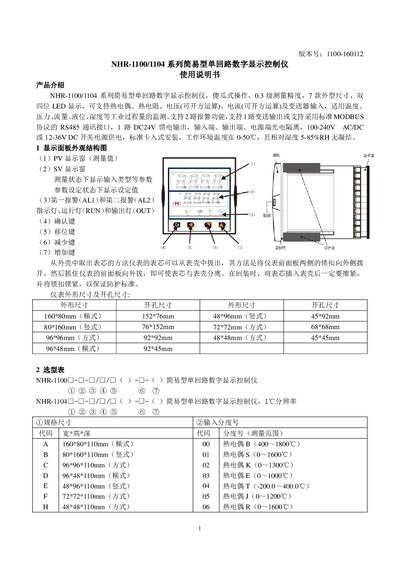
The NHR-1100/1104 is a simple single-loop digital display controller designed for monitoring industrial process variables such as temperature, pressure, flow, level and humidity. It offers 0.3‑grade measurement accuracy, supports multiple input types (thermocouples, resistance sensors, voltage, current and transmitter signals) and provides alarm and communication functions.
This manual covers product overview, installation dimensions, wiring diagrams, primary and secondary parameter settings, output configuration, power supply options, and digital communication via MODBUS RTU over RS485. It also explains operation procedures such as resetting, returning to measurement mode, and configuring alarms. This manual is written in Chinese.
| Measurement Accuracy | 0.3 grade |
|---|---|
| Power Supply | 100‑240 V AC/DC or 12‑36 V DC |
| Dimensions (horizontal type) | 160 mm × 80 mm |
| Output Options | 4‑20 mA (RL≤500Ω), 0‑5 V, RS485 Modbus |
| Alarm Capability | 2‑channel alarm |
In the working state, press the PV key to display LOC, then use the increase or decrease keys to adjust the parameters.
Long‑press any key for 5 seconds to return manually, or the device will automatically revert after 60 seconds of inactivity.
It uses the MODBUS RTU protocol over an RS485 communication interface.
The controller can be powered from 100‑240 V AC/DC or from a 12‑36 V DC switching power supply.