
Blackwire™ C420 is a series of headphones provided by Plantronics, suitable for critical, business applications and personal communication entertainment. Users can register the product online at plantronics.com/productregistration to receive the best service and technical support.
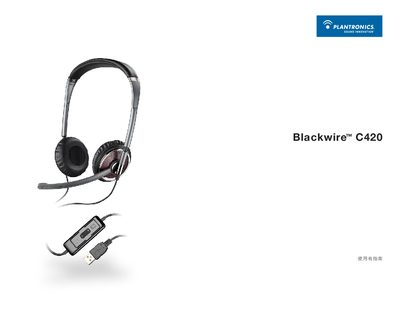
This guide welcomes users to the Plantronics Blackwire C420 headset and explains how to register the product online for support. It covers basic operations, such as plugging the USB headset into a computer to power it on automatically, and provides detailed steps for installing the Plantronics Unified Runtime Engine either from the supplied CD or via download.
The manual also describes headset features, including the noise‑cancelling microphone, adjustable boom and headband, media manager functions, and how to mute, adjust volume, and use call hold. A troubleshooting section lists common issues like no sound, low volume, or microphone problems and offers solutions. This manual is written in Japanese.
| Power source | USB connection powers on automatically |
|---|---|
| Microphone | Noise‑cancelling microphone with adjustable boom |
Rotate the boom to the desired position and lock it, then adjust the headband length and secure it with the provided clips.
Press the mute button on the headset once to mute and press it again to unmute; the LED indicator will turn on when muted.
Check that the headset is selected as the audio device in Windows, ensure the volume is turned up, and verify that the mute button is not engaged.