
LP85LP85W: W1100, W1102, this document is a user manual for W1100 and W1102 projectors, including product features, installation, connection and other information.
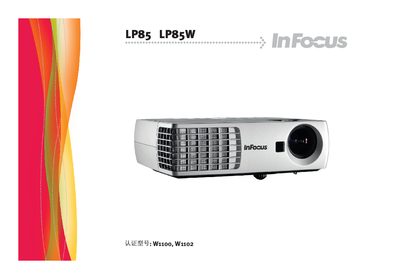
This manual provides instructions for setting up and operating InFocus LP85 and LP85W digital projectors. It covers connecting computers and video devices, adjusting image settings, and performing maintenance tasks like cleaning the lens and replacing the lamp. The projector supports various resolutions including XGA and WXGA, and is compatible with multiple input types including DisplayLink, VESA, and component video.
Safety and usage guidelines are included, such as proper placement, ventilation, and handling of the lamp. The manual also explains how to use the remote control, adjust audio, and optimize image quality for different content types, including presentations and video. This manual is written in Chinese.
| Resolution | XGA 1024x768 (LP85), WXGA 1280x800 (LP85W) |
|---|---|
| Input Voltage | 100-240Vac, 2.3-0.9A, 50-60Hz |
| Image Offset (LP85) | 115% |
| Image Offset (LP85W) | 112.4% |
LP85 provides XGA 1024x768 resolution, while LP85W provides WXGA 1280x800 resolution.
Use a DisplayLink USB cable or a VESA cable to connect the computer to the projector. For DisplayLink, ensure Windows XP SP2 or later is installed.
Turn off the projector and unplug the power cord. Wait 60 minutes for cooling, then invert the projector and replace the lamp. Only use genuine InFocus lamps.