
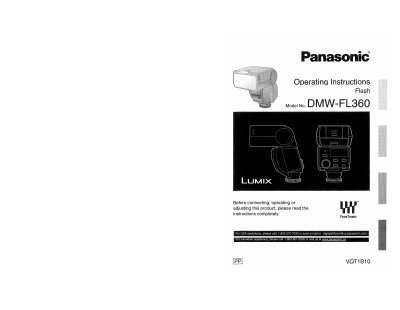
Panasonic DMW-FL360 Flash Operating Instructions


Panasonic DMW-FL360 Flash Operating Instructions - cover page
Brand
Panasonic
Category
Other Electronics
Document type
User Manual
Language
English
Pages
60
File format
PDF
File size
4.2 MB
Published
10 August, 2012
Updated
21 August, 2012
MD5 checksum
8CF05FA04909ACEA261A129A17D03995

About this manual

This document provides operating instructions for the Panasonic DMW-FL360 flash unit. It details how to insert batteries, mount the unit onto a digital camera, and select various flash modes including TTL AUTO, MANUAL, and FP TTL AUTO. The manual explains procedures for taking pictures using a digital camera with communication functions and without them, as well as other applications like bounce lighting and close-range photography.

What's inside

  • Information for Your Safety
  • Supplied accessories
  • Names of the Components
  • Inserting and Removing the Unit's Batteries
  • Mounting the Unit onto the Digital Camera
  • Taking Pictures using a Digital Camera with Communication Functions
  • Taking Pictures using a Digital Camera without Communication Functions
  • Other Applications
  • Specifications
  • Limited Warranty

Specifications

Storage Temperature15 °C to 25 °C (59 °F to 77 °F)
Storage Humidity40% to 60%

Frequently asked questions

What are the flash modes available?

The available flash modes are [TTL AUTO], [AUTO], [MANUAL], [FP TTL AUTO], and [FP MANUAL].

What should be done if the unit does not operate normally after water exposure?

If the unit does not operate normally after water exposure, you should consult the dealer or your nearest service center.

Download PDF (4.2 MB)

More Panasonic Manuals


View all Panasonic manuals →