
This is an operating instructions manual for the CQ-5335U heavy-duty CD player and weather band receiver. The product features functions such as LOUD, MUTE, SCAN, MODE, BAND, TUNE, SEEK, and can control a CD changer.
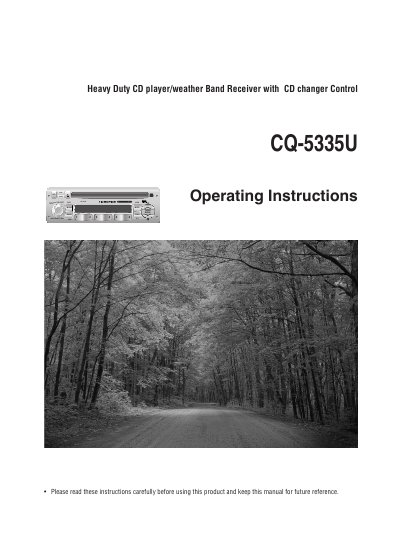
This manual provides operating instructions for the Pioneer CQ-5335U, a heavy-duty car audio unit featuring a CD player, FM/AM radio, and Weather Band reception. It covers safety information, control panel functions including volume, mute, loudness, and illumination settings, as well as clock and alarm configurations.
The guide details procedures for operating the radio with manual tuning, seek tuning, scan mode, and preset station management (including auto-preset memory). Instructions are also provided for CD playback controls such as track selection, repeat play, random play, and scan play. Additionally, it includes sections on installation preparation, electrical connections, troubleshooting error messages, and maintenance tips.
| Power Supply | 12 V DC, negative ground battery system |
|---|---|
| Volume Range | 0 to 40 (default: 18) |
| Bass Adjustment | -12 to +12 dB (by 3 dB step) |
| Treble Adjustment | -12 to +12 dB (by 3 dB step) |
| Balance Range | 1 to 15 (by 1 step) |
| Fader Range | 1 to 15 (by 1 step) |
Press the [PWR] button to power on, and press it again to power off.
Press and hold the [MUTE] button for more than 2 seconds to enhance bass and treble tones.
Press and hold the [SCAN] button for more than 2 seconds to cycle between green and amber.
Press and hold the [BAND] button for more than 2 seconds to automatically save 6 stations with good reception.