
This document is a user manual for the HQ-2051RH air conditioner, which introduces the use of the air conditioner and precautions.
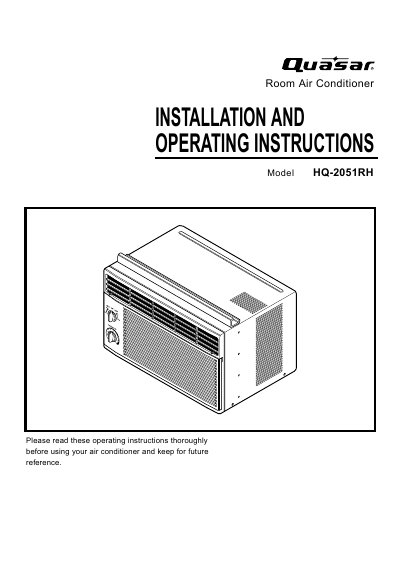
This manual provides installation and operating instructions for the Quasar HQ-2051RH Room Air Conditioner. It covers essential safety precautions, such as proper electrical connection and avoiding operation with wet hands or in damp environments. The document details how to install the unit in standard double-hung windows, including requirements for window dimensions and necessary hardware like wood strips and seal strips.
| Cooling Capacity | 5,200 Btuh |
|---|---|
| Voltage | 115 V |
| Frequency | 60 Hz |
| Input Power | 535 W |
| Moisture Removal | 1.4 Pints/hr |
| Room Circulation | 4.0 Cfm |
| Height | 31.2 cm (12.3 inches) |
| Width | 47.2 cm (18.6 inches) |
| Depth | 37.0 cm (14.6 inches) |
| Net Weight | 20.7 kg (46 lb) |
The air filter should be washed at least every 2 weeks to prevent reduced airflow and cooling capacity.
The unit requires a clear vertical opening of 13 inches from the bottom of the sash to the window stool.
You must wait at least 3 minutes before resetting the unit back to the cooling operation.