
This document provides instructions and precautions for installing and using the Great Planes FlyLites product. FlyLites are lighting devices that can only be powered by a 4.8V or 6V power source and should not be directly connected to an external power source. It also explains how to change the lighting mode and connect multiple FlyLites light tubes. FlyLites must be kept dry to ensure proper functioning.
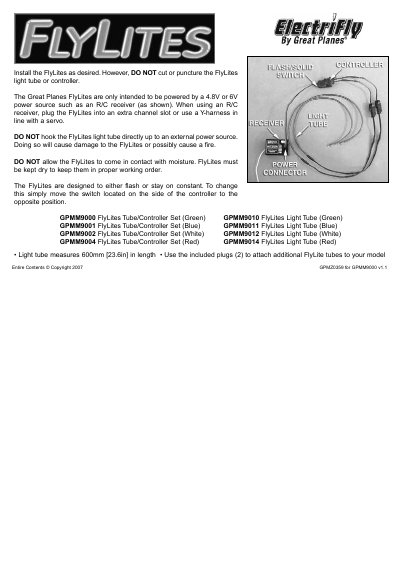
This manual provides instructions for installing the Great Planes FlyLites light tube and controller. It specifies that the device must be powered by a 4.8V or 6V source, such as an R/C receiver, and warns against connecting directly to external power sources to prevent damage or fire. Users can control the lighting mode by moving the switch on the side of the controller.
| Light tube length | 600mm [23.6in] |
|---|---|
| Recommended power source | 4.8V or 6V |
The FlyLites are intended to be powered by a 4.8V or 6V power source such as an R/C receiver.
No, do not hook the FlyLites light tube directly up to an external power source as it will cause damage or possibly cause a fire.
To change the mode, simply move the switch located on the side of the controller to the opposite position.