
This document is a user manual for WX-CH2050 headset, which introduces the connection and operation methods of the headset.
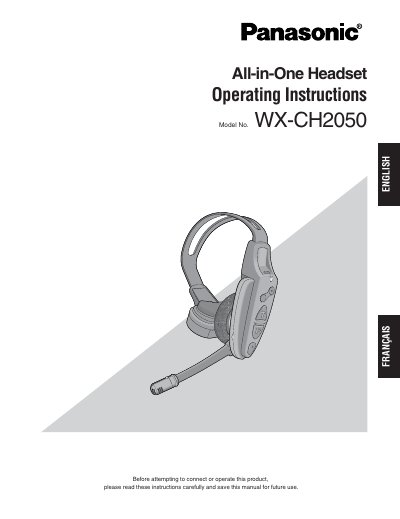
The Panasonic WX-CH2050 is an all-in-one headset designed for use in wireless communication systems, such as those found in drive-thru menu boards. It incorporates a microphone, earphone, battery compartment, and control buttons to facilitate voice communication with customers and store personnel. The device features built-in antennas, a transmitter, and a receiver, utilizing the UHF band for reduced noise and interference.
| Compatible center modules | WX-C1010 and WxX-C1011 |
|---|---|
| Band | UHF band |
| Power source | Rechargeable Li-ion 3.7 V |
Press the power button for one second to turn the headset on or off.
Press the A/B button to switch frequencies between channel A and channel B.
A red blinking indicator means the channel selector is set to the wrong position.