
The EVALST7538DUAL board integrates the ST7538 power line transceiver along with the power supply section, the signal coupling interface section, crystal oscillator and device protections. The coupling interface section has been realized for communication on CENELEC Band A used mainly for AMR applications, with the possibility of programmable switching between 72kHz and 86kHz communication channels. This half-duplex “dual channel” communication feature has been implemented through optimized receiving and transmitting filters on the board. EVALST7538DUAL board must be connected to a PC through the EVALCOMMBOARD general purpose board. The dedicated SW running on the PC can be downloaded from “www.st.com/powerline” web page.
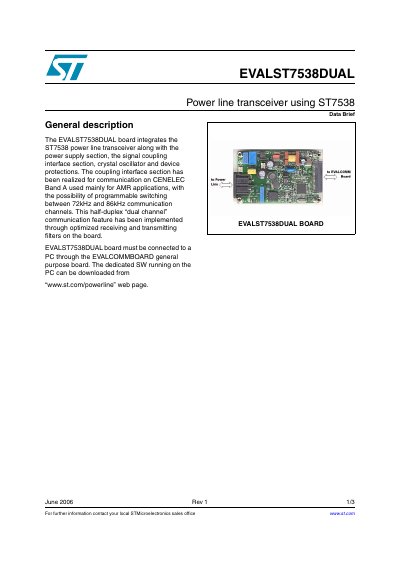
The EVALST7538DUAL board is an evaluation tool that integrates the ST7538 power line transceiver with necessary support circuits. It includes the power supply section, signal coupling interface, crystal oscillator, and device protection features.
The board supports communication on CENELEC Band A, primarily for AMR (Audio Microphone Recognition) applications. It allows programmable switching between 72kHz and 86kHz communication channels via optimized receiving and transmitting filters to implement a half-duplex dual-channel feature.
The board allows programmable switching between 72kHz and 86kHz communication channels.
The board must be connected to a PC through the EVALCOMMBOARD general purpose board.