
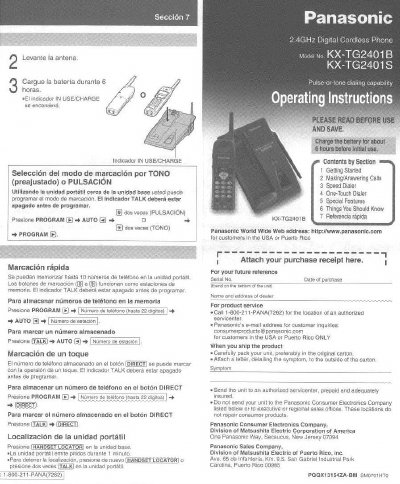
Panasonic KX-TG2401B/KX-TG2401S Cordless Phone Operating Instructions


Panasonic KX-TG2401B/KX-TG2401S Cordless Phone Operating Instructions - cover page
Brand
Panasonic
Category
Telephone
Document type
User Manual
Language
English
Pages
6
File format
PDF
File size
877 KB
Published
07 August, 2012
Updated
17 August, 2012
MD5 checksum
67F1EC9A76EB5DE930144490B69A7D87

About this manual

This manual provides operating instructions for the Panasonic KX-TG2401B and KX-TG2401S cordless telephone systems. It covers initial setup, including charging the battery and connecting the unit, as well as basic functions like making and answering calls. The document details how to use the speed dialer and one-touch dialer to store and access phone numbers quickly.

What's inside

  • Getting Started
  • Making/Answering Calls
  • Speed Dialer
  • One-Touch Dialer
  • Special Features
  • Things You Should Know
  • Wall Mounting
  • Handset Locator

Specifications

Memory Capacity10 phone numbers
Number Storage Limit22 digits
Flash Time Options90, 100, 110, 250, 300, 400, 600, 700 msec
Pause Duration3.5 seconds

Frequently asked questions

How do I locate the handset if I lose it?

Press the HANDSET LOCATOR button on the base unit. The handset will beep for one minute.

What is the maximum number of digits allowed when entering a phone number?

You can enter a phone number with up to 22 digits.

How long does the handset beep for when using the locator feature?

The handset beeps for 1 minute.

Download PDF (877 KB)

More Panasonic Manuals


View all Panasonic manuals →