
Panasonic KX-TG2267B/S 2.4GHz Digital Cordless Phone Control Panel Layout Guide

This document provides a text description of the control panel layout for the KX-TG2267B/S 2.4GHz Digital Cordless Phone Handset. It includes details about the antenna, earpiece, display, and various buttons.
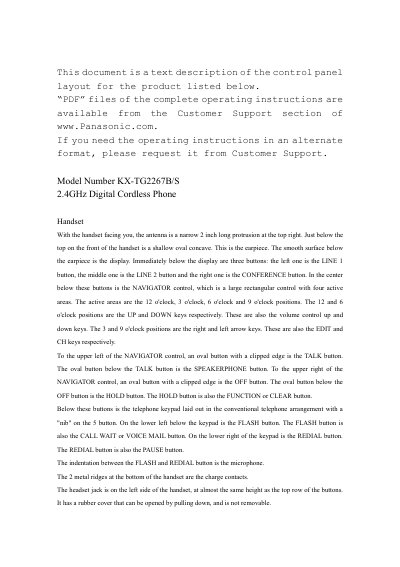

Panasonic KX-TG2267B/S 2.4GHz Digital Cordless Phone Control Panel Layout Guide - cover page
Brand
KX-TG2267B/S
Document type
User Manual
Language
English
Pages
2
File format
PDF
File size
67 KB
Published
07 August, 2012
Updated
29 September, 2023
MD5 checksum
6BD6C67A29FC27124F8CB80899225593

About this manual

The provided text is a descriptive guide detailing the physical layout of the control panels for the Panasonic KX-TG2267B/S 2.4GHz Digital Cordless Phone system. It specifically covers the arrangement of buttons, indicators, and features on both the handset and the base unit.

What's inside

  • Handset Control Panel
  • Base Unit Indicators
  • Button Functions
  • Charging Cradle
  • Antenna Location
  • Keypad Layout

Frequently asked questions

Where is the antenna on the handset?

The antenna is a narrow 2 inch long protrusion at the top right of the handset.

How does the base unit indicate that charging has started?

The unit will beep when the handset is properly placed in the cradle for charging.

Download PDF (67 KB)