
The AC7MDT10-D32/S28 SDIP32/SO28 Connection Kit provides the necessary hardware to connect the ST7MDT10-EMU3 emulator to applications for debugging ST7 microcontrollers in SDIP32 and SO28 packages. The kit includes an SDIP32 adapter and an SDIP32-SO28 device adapter.
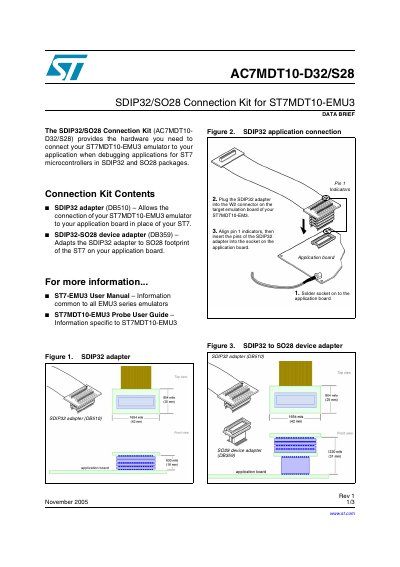
The AC7MDT10-D32/S28 is a hardware connection kit designed for debugging applications on ST7 microcontrollers. It includes an SDIP32 adapter (DB510) and an SDIP32-SO028 device adapter (DB359). These components allow the ST7MDT10-EMU3 emulator to connect to application boards with either SDIP32 or SO28 footprints.
It provides the hardware needed to connect an ST7MDT10-EMU3 emulator to your application when debugging applications for ST7 microcontrollers in SDIP32 and SO28 packages.
You must align pin 1 indicators before inserting the pins of the adapter into the socket.