
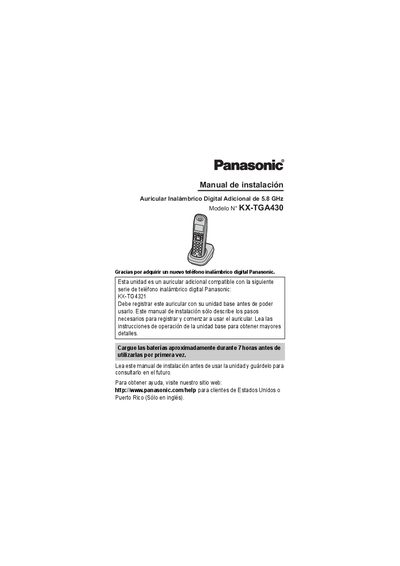
This manual provides installation instructions for the Panasonic KX-TGA430 digital cordless handset. It details the initial setup process, including charging the included Ni-MH batteries for approximately 7 hours before first use. The guide explains how to register the handset with a compatible Panasonic digital cordless telephone base unit, such as the KX-TG4321 series, and how to change the display language. This manual is written in Spanish.
| Battery Type | Ni-MH AAA (R03) |
|---|---|
| Charging Time | 7 hours |
| Compatible Base Unit | KX-TG4321 |
| Power Input | 120 V CA, 60 Hz |
Charge the batteries for approximately 7 hours before using the unit for the first time.
Only use the supplied rechargeable Ni-MH AAA (R03) batteries. Do not use alkaline, manganese, or Ni-Cd batteries.
Press and hold [LOCATOR] on the base for 4 seconds until the registration tone sounds, then press [OK] on the handset.