
The SignaLink USB combines the legendary performance of our SL-1+ with a state of the art built-in low-noise sound card. It offers optimal performance, simplified installation and operation, and the ability to run multiple interfaces on one computer at the same time.
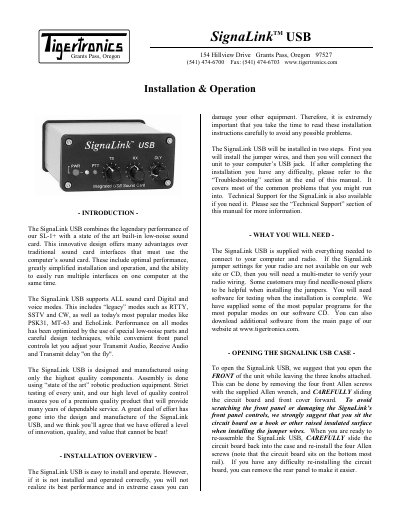
The Tigertronics SignaLink TM USB 154 combines the performance of the SL-1+ with a built-in low-noise sound card, offering optimal performance and simplified installation compared to traditional interfaces. It supports all sound card digital and voice modes, including legacy modes like RTTY, SSTV, and CW, as well as popular modes like PSK31, MT-63, and EchoLink. The unit features convenient front panel controls for adjusting transmit audio, receive audio, and transmit delay.
Installation involves two main steps: installing jumper wires to configure the unit for a specific radio model and connecting the unit to the computer via USB. The manual provides detailed instructions on opening the case, installing jumpers using pre-stripped 24ga AWG wires, and connecting the radio via an 8-pin RJ-45 connector. It also covers auxiliary audio outputs and troubleshooting common installation issues.
The SignaLink TM USB 154 combines the performance of the SL-1+ with a built-in low-noise sound card to offer optimal performance and simplified installation for computer interfaces.
The installation requires pre-stripped jumper wires that are 24ga AWG, or other wire must be exactly 24ga AWG to avoid damaging the socket.
The Transmit Audio Monitor jack provides a maximum level of approximately 400mv p-p into 1Kohm.