
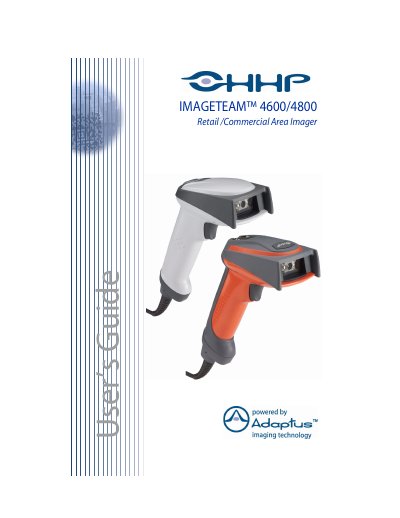
This manual provides instructions for the Hand Held Products IT4600/4800 Retail/Commercial Area Imager. It covers getting started, including unpacking, identification, and various connection methods such as Keyboard Wedge, USB, and RS-232. The guide details how to configure terminal interfaces, output indicators, and data editing features.
| Dimensions (Typical) | Height 6.2 inches (15.7 cm), Length 5.3 inches (13.5 cm), Width 3.2 inches (8.1 cm) |
|---|---|
| Weight | 6.5 ounces (184.3 g) |
| Image Resolution | VGA, 640x480 |
| Scan Rate | 270 scans per second |
| Operating Temperature | 32 ° F to +122 ° F (0 ° C to +50 ° C) |
| ESD Sensitivity | 15 kV |
The scan rate is 270 scans per second in most usages.
The IT4600 requires 4.5 - 12 VDC at the imager.
The operating temperature range is 32 ° F to +122 ° F (0 ° C to +50 ° C).