
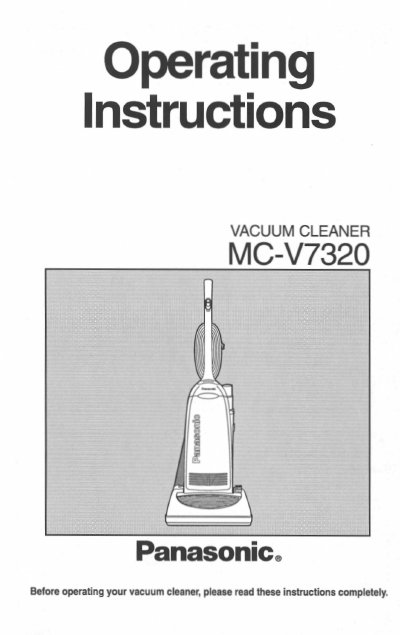
Panasonic MC-V7320 Vacuum Cleaner Operating Instructions


Panasonic MC-V7320 Vacuum Cleaner Operating Instructions - cover page
Brand
Panasonic
Category
Vacuum cleaner
Document type
User Manual
Language
English
Pages
24
File format
PDF
File size
1.1 MB
Published
06 August, 2012
Updated
29 August, 2012
MD5 checksum
C8C37E8AA7370D52DE5E74FF7750A722

About this manual

This document provides operating instructions for the Panasonic MC-V7320 upright vacuum cleaner. It details safety precautions, parts identification, and step-by-step guides for assembling the handle and attachments. The manual explains special features such as the automatic self-adjusting nozzle, edge cleaning capability, dirt sensor system with red/green indicators, and carpet/bare floor selector.

What's inside

  • Consumer Information
  • Important Safety Instructions
  • Parts Identification
  • To Assemble Cleaner
  • Special Features of Cleaner
  • To Operate Cleaner
  • Routine Care of Cleaner
  • Replacing the Dust Bag
  • Removing Clogs
  • Warranty

Specifications

Product TypeUpright Vacuum Cleaner

Frequently asked questions

What do the dirt sensor lights indicate?

A red light indicates dirt is being picked up, while a green light indicates most of the dirt has been picked up.

What items are excluded from the warranty?

Excluded items that require normal replacement include the disposable dust bag, filters, belts, light bulb, agitator brushes, and battery if supplied.

Download PDF (1.1 MB)

More Panasonic Manuals


View all Panasonic manuals →