
Galaxy Pool and Spa Lights are underwater LED lighting that allows you to easily control the lighting and create a nighttime oasis in your pool and spa.
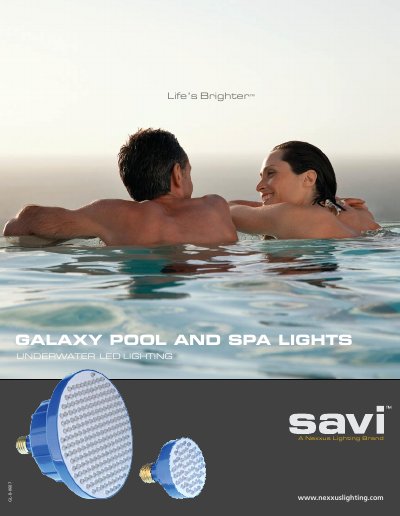
The Galaxy Pool Light and Galaxy Spa Light are underwater LED lighting solutions designed to transform pools and spas into nighttime oases. Available for both new construction and as replacements for existing fixtures, these lights offer a variety of exciting colors and effects controlled by a simple wall switch toggle.
Key features include energy efficiency using only 40 watts (90% less than standard pool lights), a long lamp life that is five times longer than standard lights, and an ETL Listed safety certification. The design ensures no moving parts for carefree use, and installation is straightforward as the unit screws into existing housings like a typical light bulb.
| Power Consumption | 40 watts |
|---|---|
| Energy Efficiency | 90% less energy than a standard pool light |
| Lamp Life | 5 times longer than standard pool lights |
| Voltage Options | 12V & 120V |
Yes, they are available for both new pool and spa construction.
Yes, the Galaxy Light screws into the existing housing like a typical light bulb for replacement use.
The color modes are easily accessed by toggling the existing pool/spa light wall switch OFF and ON.