
This manual introduces the features and operation methods of Panasonic 65” Class 1080p Plasma HDTV (64.7 inches, diagonally measured). This manual includes: Safety instructions, Installation instructions, Connection instructions, Operation instructions, Maintenance instructions, Troubleshooting instructions.
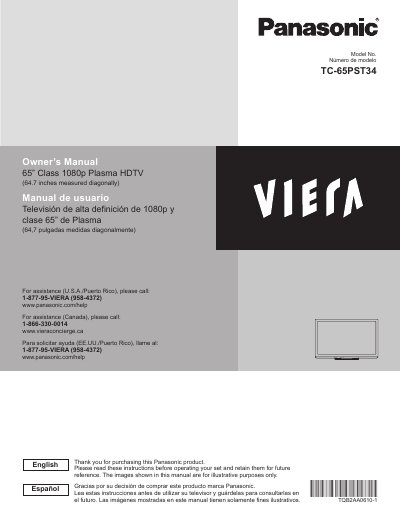
This manual provides instructions for the Panasonic TC-65PST34, a 65-inch Class 1080p Plasma HDTV. It includes safety precautions, setup procedures, and guidance on using various features such as VIERA Link, Media Player, and 3D image viewing. The document also covers advanced settings, network connections, and troubleshooting.
| Screen Size | 65" Class |
|---|---|
| Resolution | 1080p |
| Screen Type | Plasma |
| Diagonal Measurement | 64.7 inches |
Displaying a still picture for a long time causes the image to remain on the plasma screen.
The screen saver is automatically activated after a few minutes if no signals are sent or no operations are performed.
Do not expose the apparatus to rain or moisture, and do not place liquid containers above the set.