
Panasonic PV-D4735S DVD/VCR Deck Operating Instructions

Instructions for use of PV-D4735S DVD/VCR DECK, which introduces the connection, operation, and setting information of the product
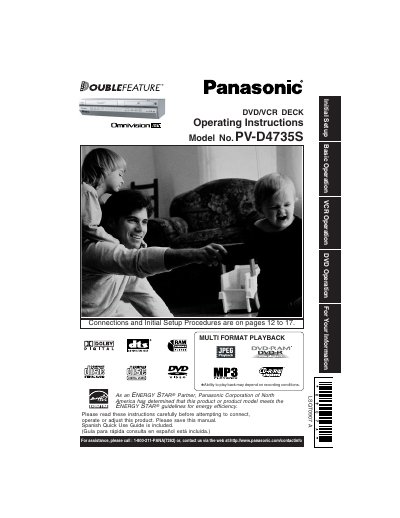

Panasonic PV-D4735S DVD/VCR Deck Operating Instructions - cover page
Brand
Panasonic
Category
Camcorders
Document type
User Manual
Language
English
Pages
72
File format
PDF
File size
5.1 MB
Published
03 August, 2012
Updated
30 September, 2023
MD5 checksum
1DB94B24291CB750C3EF4975D8C52169

About this manual

This document provides operating instructions for the Panasonic Omniview 185 DVD/VCR deck, model number PV-D4735S. It details initial setup procedures, including connections to power sources and external devices like antennas or cable systems. The manual emphasizes safety measures regarding ventilation, placement, and electrical grounding to prevent fire or shock hazards.

What's inside

  • Important Safeguards
  • Installation
  • Using the Unit
  • Safety Precautions
  • Service Information
  • Region Management

Frequently asked questions

What is the Region number for this Panasonic PV-D4735S deck?

The Region number for this DECK is '1', so it will only play discs marked with that region or 'ALL'.

What happens if the disc's Region number does not match the deck?

If the Region number on a DVD disc does not correspond to the DECK, it cannot play that disc.

What is the maximum safe operating temperature for this unit?

Do not operate the unit in temperatures over 104°F (40°C).

Download PDF (5.1 MB)

More Panasonic Manuals


View all Panasonic manuals →