
This is a CINEVERSUM™ 110 owner's manual
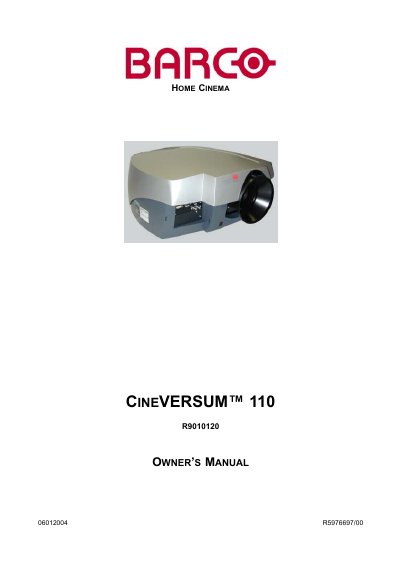
The Barco CINEVERSUM 110 is a home cinema projector designed to deliver high-quality projection. This manual covers packaging contents, safety guidelines, and physical installation requirements including lens formulas and ceiling mount support.
The guide details how to connect various input sources such as Composite Video, S-Video, DVI, RGB analog, and Serial Digital Interface. It explains the operation of the remote control unit (RCU), menu navigation for image settings like contrast and brightness, and features like Picture-in-Picture (PiP). Additionally, it includes troubleshooting steps, lamp runtime information, and service diagnostics.
| Document Reference Number | R5976697/00 |
|---|---|
| Manufacturer Location | Kuurne, Belgium |
The manual lists 'Box content' and 'Projector Packaging' as sections to review upon receipt.
The guarantee period begins on the date of transfer of risks, or at the latest 30 days after the transfer of risks.
The projector will switch to standby mode when a temperature error occurs.
The purchaser must immediately inspect the goods for damage or faults and inform Barco immediately in writing of any complaints.