
This operation manual introduces the features and characteristics of LC-19SB280UT and LC-22SB280UT liquid crystal televisions, including how to operate the TV, connect power, and set the TV.
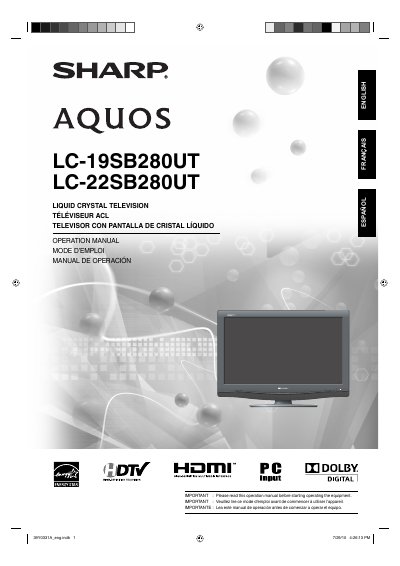
This Operation Manual covers the Sharp LC-19SB280UT and LC-22SB280UT Liquid Crystal Televisions. It includes important safety instructions, setup guidelines, and operational procedures to ensure safe and effective use of the device.
The document emphasizes safety precautions regarding electricity, ventilation, and proper installation. It also details how to record the model and serial numbers for identification purposes and outlines steps for servicing and maintenance.
The lightning flash with arrow-head symbol within an equilateral triangle indicates the presence of uninsulated dangerous voltage that may cause electric shock.
You must unplug the product and refer servicing to qualified personnel if the AC cord is damaged, liquid has been spilled, or the product has been dropped.
This product should be operated only from the type of power source indicated on the marking label.