
LC-13B4U Liquid Crystal Television Operation Manual
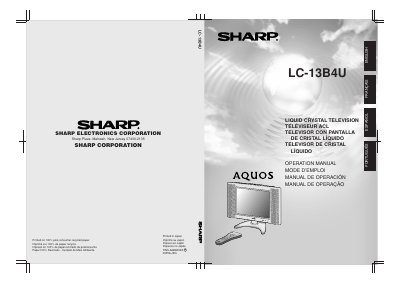
This document is the English operation manual for the Sharp LC-13B4U Liquid Crystal Television. It covers essential safety precautions, including warnings about electricity, moisture, and proper mounting to prevent injury or damage.
The guide details how to use the supplied remote control, connect external devices like antennas and video sources, and perform initial setup tasks such as setting the clock via EZ SETUP. It also explains basic operations for changing channels, adjusting picture and sound settings, and configuring menu items like sleep timers and closed captions.
| Panel Technology | Liquid Crystal Television |
|---|---|
| Pixel Count | 921,600 thin film transistors |
| Panel Material | YA glass |
The panel is made of YA glass, which can break if the product is dropped or impacted.
The panel contains 921,600 thin film transistors to provide fine picture details.
Inserting an object can cause electric shock and/or short internal parts due to high voltage.