
This document is an operation manual for a DVD recorder with a hard disk. The manual provides safety instructions and a quick operation guide, as well as instructions for using the EZ SET UP feature. The DVD recorder has a region number of 1 and requires the antenna/cable to be connected to the recorder before plugging it into the AC power outlet. The POWER button should not be pressed until the EZ SET UP is complete. The manual also includes important warnings and cautions about the product.
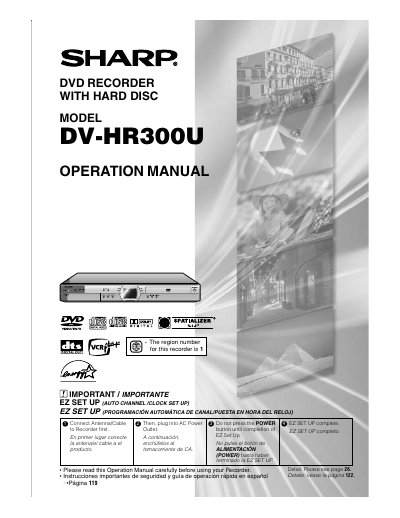
This document is the official operation manual for the Sharp DV-HR300U DVD recorder equipped with a hard disc. It provides essential setup instructions, including connecting the antenna or cable before plugging into AC power, and completing the EZ Set Up process before turning on the power. The manual also includes important safety warnings and guidelines for installation and use.
The region number for this recorder is 1.
You must connect the antenna or cable to the recorder before plugging it into the AC power outlet.
Do not press the POWER button until the EZ Set Up process is completed.