
This manual introduces the features and usage methods of Extech HDV-WTX wireless transmitter. The transmitter can be used with HDV600 borescope.
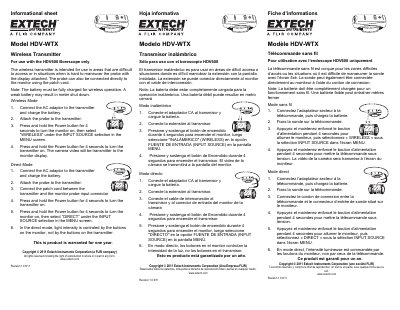
This document is an informational sheet and user guide for the Extech HDV-WTX Wireless Transmitter. It is designed for use exclusively with the HDV600 Borescope to facilitate inspection in difficult-to-access areas or situations where maneuvering the probe with a display is challenging. The transmitter allows the camera video to be transmitted to a monitor display wirelessly.
| Compatible Device | HDV600 Borescope |
|---|---|
| Warranty Period | One year |
It is intended for use in areas that are difficult to access or in situations when it is hard to maneuver the probe with the display attached.
Press and hold the Power button for 4 seconds to turn the transmitter on.
In Direct Mode, light intensity is controlled by the buttons on the monitor, not by the buttons on the transmitter.