
XiVA Utilities UI is a Windows level user control utility for previous DOS utilities in a simple wizard driven interface. This application supports server: backup, restore of previous backups, cloning, verification of backups, removal of all content. This application is designed to work with all XiVA Servers with software version 1.X onwards.
XiVA Utilities is an application that allows users at the Windows level to control previous DOS utilities through a simple wizard-driven interface. It supports tasks such as backing up, restoring, cloning, verifying, and cleaning content on XiVA Servers running software version 1.x or higher.
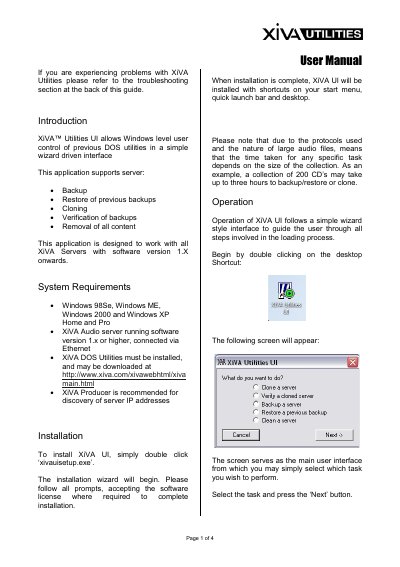
The guide details installation procedures for 'xivauisetup.exe' and outlines five main operational tasks: Cloning a server to copy contents between units, Verifying data transfer integrity, Backing up a server to local storage, Restoring files from a previous backup, and Cleaning a server by removing all content. It also includes troubleshooting steps for common issues like missing utilities or incorrect IP address configurations.
| Operating System Support | Windows 98Se, Windows ME, Windows 2000 and Windows XP Home and Pro |
|---|---|
| Compatible Server Software Version | 1.x or higher |
The application supports server backup, restore of previous backups, cloning, verification of backups, removal of all content, and cleaning.
The time depends on the size of the collection; for example, a collection of 200 CDs may take up to three hours.