
This document is the user manual of SoundServer XiVA™ software. It introduces the features and characteristics of the software and provides instructions for use.
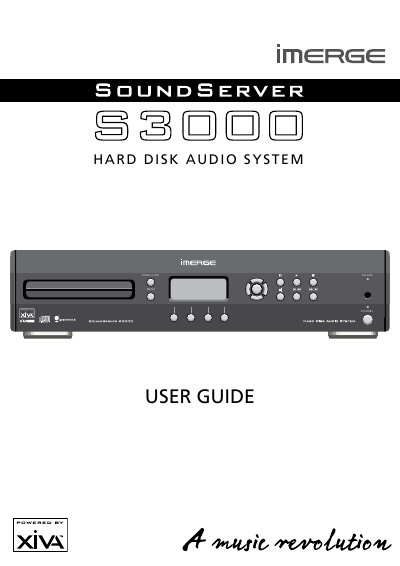
The Imerge S3000 SoundServer is a highly portable software framework designed to power next-generation media appliances. It blends hard disk technology with advanced software design and embedded Internet technology to provide interactive user interface options for audio, video, text, and graphics. The device supports streaming new media and can be configured for use with various television standards, such as PAL or NTSC.
| Operating Temperature Limit | 40°C |
|---|---|
| Hard Disk Movement Warning | 30 seconds |
| Ventilation Clearance | 2.5cm |
The product will initiate an automatic shutdown to prevent component damage. To prevent this, ensure the ambient temperature does not exceed 40°C and ventilation grills are not obstructed.
No. Moving the equipment while in operation can result in irrecoverable data loss and damage to the hard disk.
You must wait at least 30 seconds after shutdown to allow the hard disk to spin down before moving the product.