
This document is the SoundServer XiVA™ software user guide, which introduces the function and usage of SoundServer XiVA™ software.
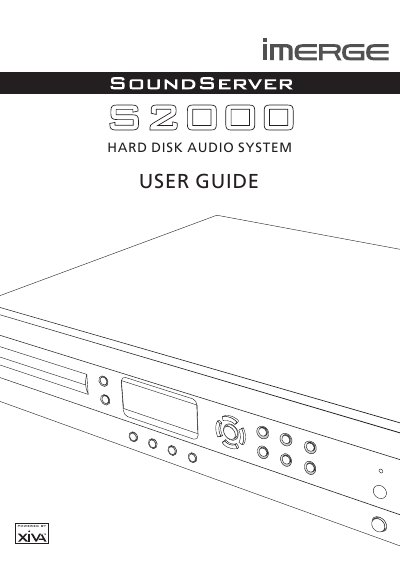
The Imerge S2000 is a hard disk audio system designed to play music from compact discs. It features XiVA software technology which blends hard disk storage with advanced design to provide interactive user interface options for streaming new media, including audio and video.
Before installation, users should ensure the equipment is placed on a vibration-free surface in a location free from excessive heat, cold, moisture, or dust. The unit requires adequate ventilation with a gap of 0.1m on all sides to prevent overheating.
For best performance when recording from a CD, you should try to maintain a temperature of 35°C or less in the room.
The fitted plug must contain a fuse with a value of 5A.
You must leave a gap of 0.1m on all sides of the unit.