
This manual introduces the hardware connection and software installation methods for the SADiE LRX2 system.
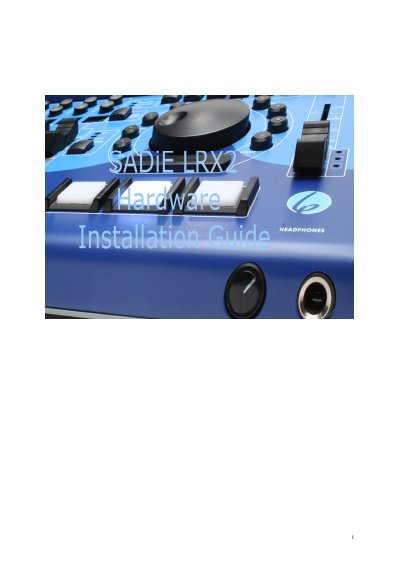
The SADiE LRX2 is a digital audio workstation designed for hard disk editing. This installation guide explains how to unpack the system, connect the power supply and USB cable to a compatible computer, and install the required software drivers and applications.
The document details the configuration of audio and timecode connections using various 'Slither' cards, including analog and digital options. It also provides instructions for setting up the SADiE software environment and accessing the help files for further operation.
| Power Supply | 12V DC |
|---|---|
| Connection Type | USB2 |
The LRX2 unit must use a USB2 connection and will not operate with an older slow USB port.
Insert the CD-ROM, press the 'LRX' button on the main menu, and then select 'Install SADIE v6 Software'.