
ADA-8XR Multi-channel A/D D/A Converter Module Reference is a reference manual published by Prism Sound about ADA-8XR Multi-channel A/D D/A Converter Module
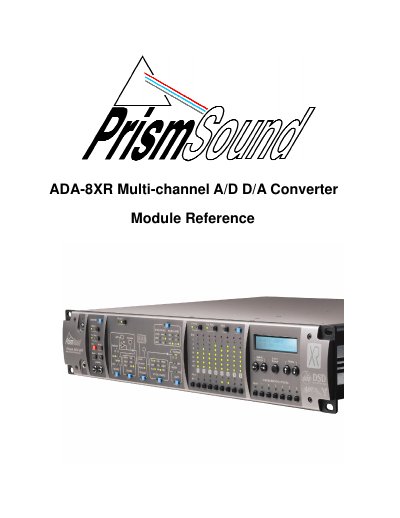
This document serves as a module reference guide for the Prism Sound ADA-8XR Multi-channel A/D D/A Converter. It provides detailed technical information on fitting and connecting various optional modules to the device chassis.
The manual covers specific configurations for the Utility Module, Analogue Line Input/Output Modules, AES3 I/O Module, Pro Tools I/O (24|MIX and HD), DSD I/O, and FireWire I/O. It includes instructions for hardware installation, cabling, menu navigation, synchronization settings, and performance specifications for each module type.
| Utility Module AES11 Input Impedance | normally 110Ω |
|---|---|
| Wordclock Input Impedance | 75Ω |
| AES11 Output Impedance | 110Ω |
The port supports RS-232, RS-485, or MIDI format.
The input impedance is normally 110Ω.
Yes, it can be set to produce a Superclock (256xfs clock) instead of a Wordclock.
It is configured by default as RS-232 with a PC-compatible pinout.