
Introduces the use of Netviewer Support and Meet applications, including downloading, installing, starting, and connecting.
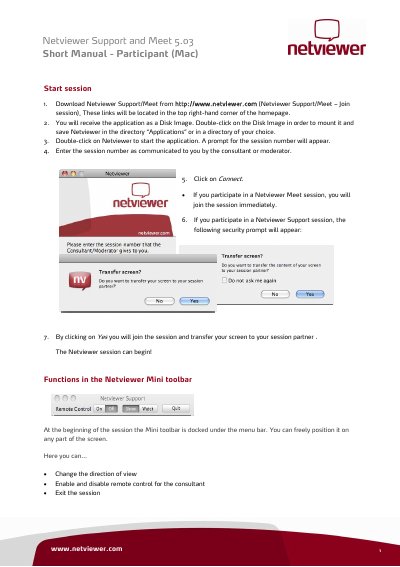
This document serves as a short manual for the Netviewer Support and Meet application version 5.03, specifically for Mac users acting as participants. It outlines the initial steps to download, install, and launch the application to join a session using a provided session number. The guide explains the security prompts required to transfer screen content to a consultant or moderator.
Download the application, mount the Disk Image, and double-click Netviewer to enter the session number provided by the consultant.
Click 'Yes' on the security prompt asking if you want to transfer the content of your screen to your session partner.
Only the moderator can change the direction of view by choosing a participant whose screen is to be transferred.