
This document is an English user manual that includes a quick start guide and a user's manual for the product. The quick start guide provides instructions on installation and setup, as well as how to activate the remote control. The user's manual provides detailed information on the product's appearance, control panel, remote control usage, and operation guides for various functions.
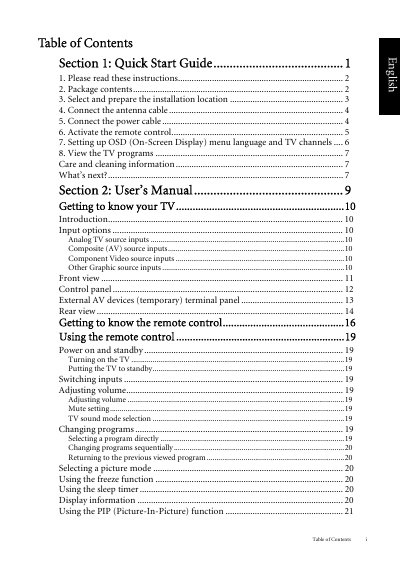
This document serves as the User Manual for the BenQ V37C/VL3735 LCD TV. It is divided into two main sections: a Quick Start Guide for initial setup and a detailed User's Manual for operating the TV and its remote control. The guide explains how to unpack the package, select an installation location, and connect various input sources including analog, component, HDMI, and PC inputs.
If recessed into a wall, you must leave at least 50-100mm free space both top and bottom for ventilation.