
This document is a user manual for a plasma TV, providing instructions and precautions for operating the PVQ42VGB model.
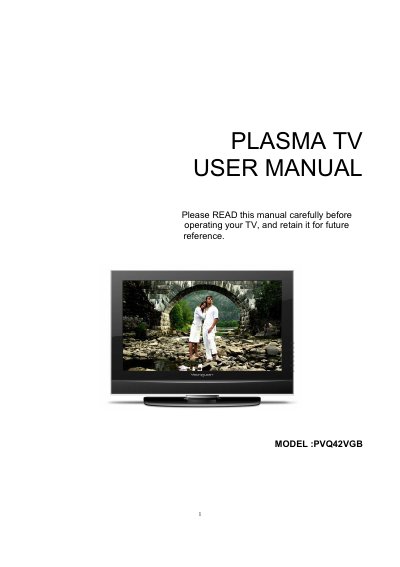
The document serves as a comprehensive guide for the Haier PVQ42VGB Plasma TV. It covers essential safety warnings, detailed descriptions of front panel controls and back panel connection options (including HDMI, YPbPr, VGA, and S-Video inputs), and instructions for using the universal remote control.
| Screen size, visible | 42 inches |
|---|---|
| Resolution | 1024(H) x 768(V) pixels |
| Maximum contrast ratio | 10,000:1 |
| Power requirement | 100~240V AC, 50/60Hz |
| Audio Output | 2x10W |
The TV supports HDMI, YPbPr (Component), VGA, S-Video, and CVBS inputs.
Press the VOLUME UP/DOWN button to adjust the volume.