
This document is a concise user manual for the English Projector 8755J / 8919H / 8920H. It provides instructions on how to use the projector safely and effectively.
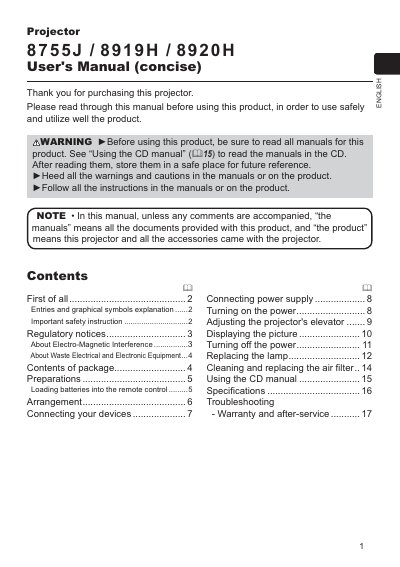
This document is a concise user's manual for the Hitachi 8755J/8919H/8920H series of projectors. It provides essential instructions on safety precautions, including warnings about heat, ventilation, and electrical hazards. The guide details how to load batteries into the remote control and explains the contents of the package.
| Model Numbers | CP-X2010, CP-X2510, CP-X3010 |
|---|---|
| Battery Type | Two AA batteries (LR6 or R6P) |
The package includes a remote control with batteries, power cord, computer cable, lens cover, user manuals, and a security label.
The remote control requires two AA batteries, specifically HITACHI MAXELL Part No. LR6 or R6P.
The minimum projection distance for a 30-inch screen is 0.8 meters.