
This manual provides detailed instructions on how to use the 8949H projector, including operating procedures and precautions.
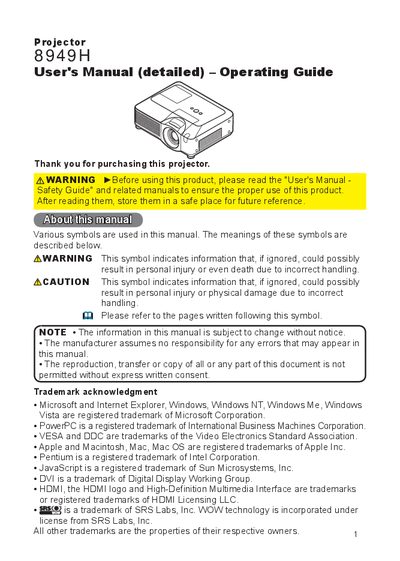
This document serves as the detailed User's Manual and Operating Guide for the 8949H projector. It covers essential topics including safety warnings, package contents, and physical part identification for both the projector unit and the remote control. The guide explains how to properly install the device, adjust the lens and keystone, and connect various input sources such as HDMI, RGB, and Video.
The projector has a WXGA native resolution of 1280x800.
You must keep a space of 30 cm or more between the sides of the projector and other objects such as walls.