
Hitachi 8755H/8916 Projector User's Manual (concise)

This manual introduces the basic use methods of 8755H/8916 projector, including preparations, connecting devices, power connection, power on settings, image display, power off, lamp replacement, cleaning and replacing air filter etc.
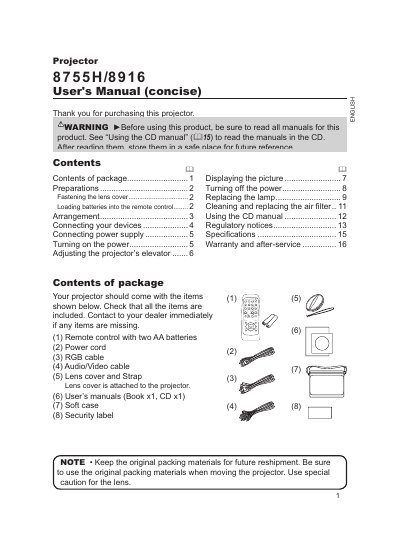

Hitachi 8755H/8916 Projector User's Manual (concise) - cover page
Brand
8755H/8916
Category
Projector
Document type
User Manual
Language
English
Pages
16
File format
PDF
File size
40.1 MB
Published
12 July, 2012
Updated
01 October, 2023
MD5 checksum
A069FA2772BECF237D533D8D5A3E710E

About this manual

This document serves as a concise user guide for the Hitachi 8755H/8916 projector. It provides essential information on unpacking the device, preparing it for use by fastening the lens cover and loading batteries into the remote control, and arranging the projector to achieve the desired screen size and projection distance.

What's inside

  • Contents of package
  • Preparations
  • Arrangement
  • Connecting your devices
  • Connecting power supply
  • Turning on the power
  • Adjusting the projector's elevator
  • Displaying the picture

Frequently asked questions

What batteries are required for the remote control?

The manual specifies using two AA batteries, such as HITACHI MAXELL Part No.LR6 or R6P.

How can I adjust the screen size?

You can use the zoom ring to adjust the screen size.

Download PDF (40.1 MB)