
This document is the owner's manual for a digital multimedia projector, providing information on the correct usage and features of the projector.
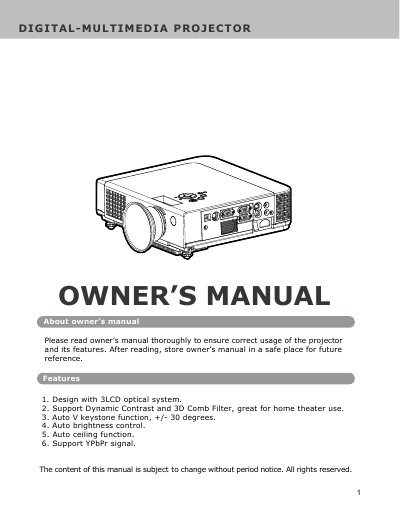
This document is the owner's manual for a DIGITAL-MULTIMEDIA projector featuring a 3LCD optical system. It provides comprehensive guidance on safety precautions, including warnings about electrical shock, fire hazards, and proper ventilation requirements to prevent overheating.
The guide details the setup process, installation of batteries in the remote control, and how to adjust the image position using auto keystone and brightness functions. It also covers basic operations such as turning the unit on, navigating the OSD menu, connecting computers via USB or video modes, and performing routine maintenance like cleaning filters.
| Optical System | 3LCD optical system |
|---|---|
| Keystone Adjustment | +/- 30 degrees |
Immediately turn off the power switch and disconnect the power plug from the outlet. Contact your dealer for repairs.
The manual requires a minimum space of 0.7 feet (20cm) on the sides and 1.5 feet (50 cm) on the rear.
The projector supports an auto keystone function with a range of plus or minus 30 degrees.
You must ensure there are at least 30cm (12in) of clearance around the ventilation openings.