
This document is a concise version of the user manual for the English Projector 8100, providing information on the product's contents, usage, precautions, and maintenance.
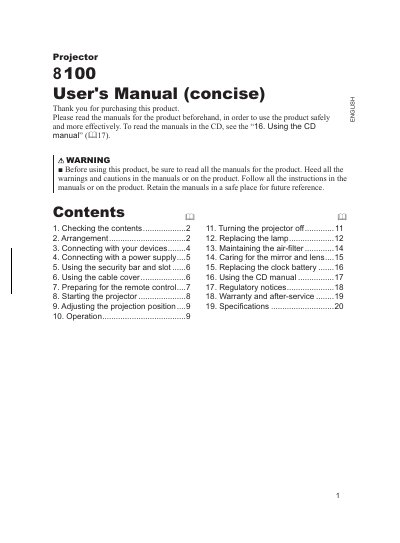
This concise user manual provides essential operating instructions for the Duk 8100 projector. It covers initial setup steps such as checking contents, arranging the device, connecting power and signal cables (PCs, VCR/DVD), and preparing the remote control with specific battery types.
The guide details how to start and stop the projector safely, including warnings about looking into the lens while the lamp is on. It also includes sections on adjusting projection distance for 4:3 and 16:9 screens, maintaining air filters, replacing the lamp, and caring for the mirror and lens.
| Remote Control Range | within 3 meters |
|---|
The manual specifies using HITACHI MAXELL, part number LR6 or R6P.
It is recommended to adjust the screen size from 60 inch to 100 inch diagonal.