
This document is a quick start guide for M-Vision Cine1080p Displays, providing an overview of the product's basic features and usage instructions.
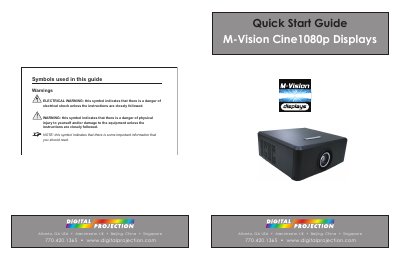
The document serves as a quick start guide for the M-Vision Cine 1080p Display. It outlines the initial setup process, which involves getting to know the connector panel, connecting video and computer sources, and powering on the device. The guide also lists the contents of the packaging.
You must allow the projector to cool down for a minimum of 30 seconds until the fans stop and the indicator lights turn steady amber.
Lift and rotate the Digital Projection logo plate on the top of the projector to access the shift points located underneath it.
The projector is safely turned off when the fans have stopped and the indicator lights show a steady amber color.