
This manual is CineVERSUM BlackWing Two User Manual, which introduces the features and usage of BlackWing Two.
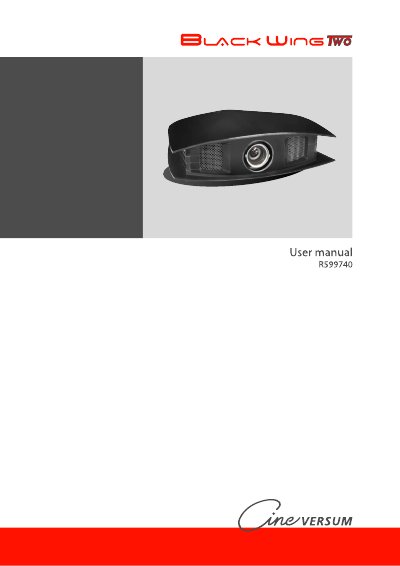
This manual provides instructions for the CineVERSUM BlackWing Two Full HD projector, model R9010086. It covers unpacking, safety instructions, and installation guidelines including ceiling mounting and space requirements. The document details how to connect various video sources such as HDMI, DVI-D, S-Video, and Component outputs, as well as the RS-232 control port.
| Resolution | Full HD |
|---|---|
| Power Input | 100 to 240 VAC |
| Lamp Type | High Intensity Discharge (HID) |
Yes, the manual includes specific guidelines and precautions for ceiling mounting the unit.
The package includes one remote control unit, a power cord, two AAA size batteries, and this user manual.
The unit accepts an auto-ranging power input from 100 to 240 VAC.