
This manual introduces the features and characteristics of the CineVERSUM™ 110 product.
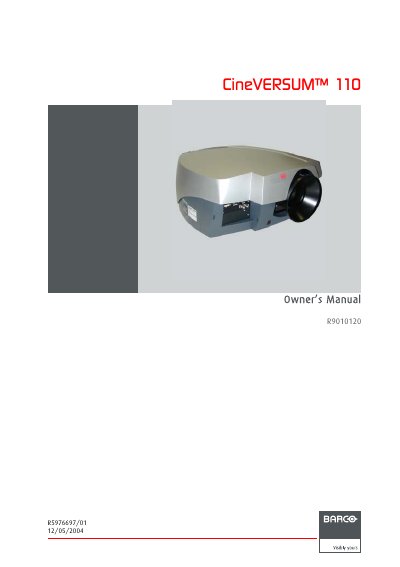
The Barco CineVERSUM 110 is a home cinema projector designed to deliver high-quality projection. This owner's manual covers safety warnings, packaging contents, and detailed installation guidelines including power connections, input source setup (Composite Video, S-Video, DVI, RGB), and ceiling mounting support.
Once installed, the guide explains how to switch the device on and off, manage lamp runtimes, and use the remote control unit. It details the menu structure for adjusting image settings such as contrast, brightness, color temperature, and aspect ratio, as well as configuring tools like Picture-in-Picture (PiP) and digital zoom.
| Product Type | Projector |
|---|---|
| Manufacturer | Barco nv Home Cinema |
The manual lists specific sections for box content and projector packaging details.
Lens adjustment can be performed via the Menu Bar or directly using the Remote Control Unit (RCU).