
This manual contains important information about the installation, operation and safe use of this product. This information should be given to the owner/operator of this equipment.
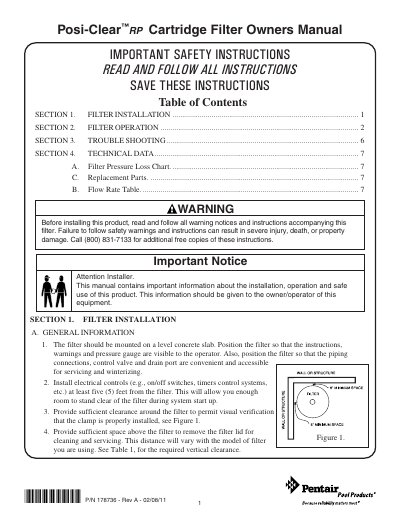
This manual provides essential safety instructions and installation guidelines for the Posi-Clear RP Cartridge Filter. It details requirements for mounting the filter on a level concrete slab, ensuring proper clearance for servicing, and installing electrical controls at a safe distance. The document emphasizes the importance of following safety warnings to prevent severe injury or property damage due to high-pressure operation.
| Maximum Working Pressure | 50 psi |
|---|---|
| Vertical Clearance (Model 160351) | 61 in. |
| Vertical Clearance (Model 160352) | 76 in. |
| Vertical Clearance (Model 160350) | 76 in. |
Clean the filter when the pressure gauge reads between 8-10 psi higher than the original starting pressure.
The filter must not be subjected to pressure in excess of 50 psi, even during hydrostatic tests.
Turn the lock ring clockwise until the safety latches click and the lock ring hits the stops on the body; do not over-tighten.