
The ScreenLogic® Interface Video & Lighting Protocol Adapter is a user interface video and lighting protocol adapter. This adapter can be used in conjunction with IntelliTouch® products to control and monitor swimming pool and spa equipment.
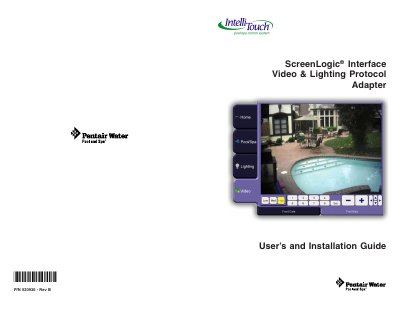
The ScreenLogic Interface Video & Lighting Protocol Adapter (P/N 5208542) allows users to remotely monitor property via video cameras and control outside and inside lights. The kit includes the adapter, an AC/DC power adapter, an RJ45 cable, a DB9M to RJ45 adapter, and this user's and installation guide. It is compatible with all IntelliTouch systems and supports specific Panasonic video camera models and Powerline Control Systems (PulseWorx PCS).
The document provides instructions on connecting the adapter to an existing ScreenLogic system, installing the adapter, and configuring the system. It details how to set up video cameras for the first time and how to install and configure lighting switches and dimmers. The guide also includes a connection diagram and troubleshooting steps for interference.
| Maximum supported cameras | four |
|---|---|
| Supported Powerline Control Systems | PulseWorx PCS models |
The adapter supports several Panasonic models including BL-C1A, BL-C111A, BB-HCM311A, BB-HCM331A, KX-HCM110A, and BB-HCM381A.
The system supports a maximum of four cameras.
No, lights with fluorescent light bulbs cannot be used because these switches are compatible with incandescent light bulbs only.
You need to press the light switch five times in the ON position.