
This installation guide describes the installation of the IntelliTouch and EasyTouch Serial COM Port Expansion Board. This board can be used with IntelliTouch and EasyTouch control systems.
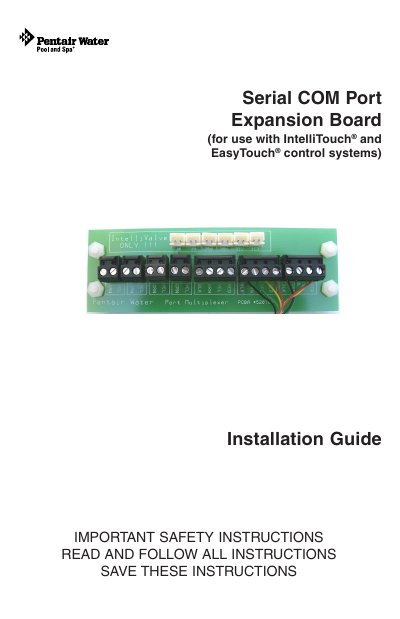
The document provides instructions for installing the Serial COM port expansion board into IntelliTouch or EasyTouch load centers. It covers removing existing connectors, mounting the board using adhesive supports or brackets within the low voltage compartment, and securing it to the chassis.
The guide also explains how to connect various accessories such as remote controllers, indoor control panels, and salt chlorine generators to the expansion board's terminal blocks. Specific wiring diagrams are provided for IntelliFlo pumps and salt chlorine generators, including pinout details and color coding requirements.
| Included Terminal Blocks (4-pin) | Three four position screw terminal blocks |
|---|---|
| Included Terminal Blocks (2-pin) | Four two position screw terminal blocks |
| Wire Length Included | 12 inches |
The board supports IntelliTouch iS10 remote controllers, QuickTouch and MobileTouch wireless controllers, indoor control panels, EasyTouch control panels, ScreenLogic protocol adapters, and other accessories that do not require separate power.
Connect pin 6 (green) on the pump cable to pin 2 (green) on the Expansion Board two-pin screw terminal, and connect pin 7 (yellow) on the pump cable to pin 3 (yellow).
Pin 1 (Black) connects to GND, and Pin 4 (Red) connects to +15V.