
This manual explains how to use the ScreenLogic2 interface to control the Waterfall 2 system.
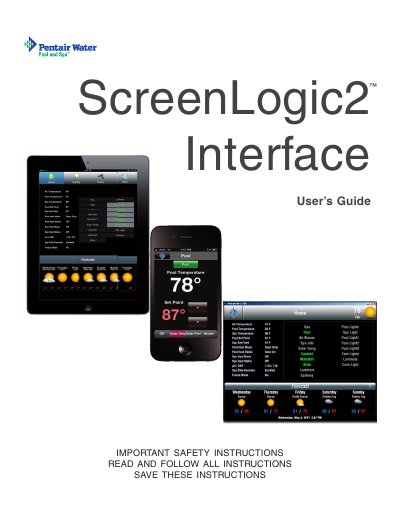
The Pentair ScreenLogic2 Interface is a wireless control system designed for pool and spa applications. It includes a digital tablet and an in-wall touch screen that allow users to monitor and control various system components, such as pumps, heaters, lights, and chemical generators, remotely or locally. The interface connects to the home network via a protocol adapter to communicate with IntelliTouch or EasyTouch control panels.
| Compatible Systems | IntelliTouch and EasyTouch Systems |
|---|---|
| Connection Type | Wireless |
This message appears when the ScreenLogic device cannot detect the IntelliTouch or EasyTouch controller on the network.
You must read and follow all warning notices and instructions included with the product.
Doing so will void the warranty and may possibly cause an electric shock.
You must use only the same type recommended by the manufacturer.