
This document is a safety guide for a certain brand and model of TV. It mainly introduces safety issues related to the use of TV, including power connection, placement distance, installation location, etc.
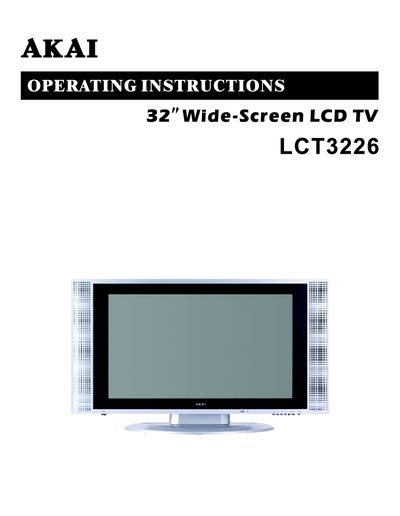
This document provides operating instructions for the AKAI LCT3226 32-inch wide-screen LCD television. It begins with important safety guidelines, including warnings about power cords, ventilation, and environmental conditions such as humidity and dust. The manual also notes that occasional stuck pixels are a normal characteristic of LCD technology and that the screen contains a small amount of mercury requiring proper disposal.
The product is designed for indoor use with operating temperatures between 5°C and 30°C.
No, you should not locate the TV near windows or outside rooms with windows because the screen may be damaged by the sun.
This is normal for this model, as an occasional constantly displaying pixel is a structural property of LCD technology and not a malfunction.