
This document is the user and installation manual for the DOMINO 55M remote control. The manual describes the various button functions and operation methods of the remote control.
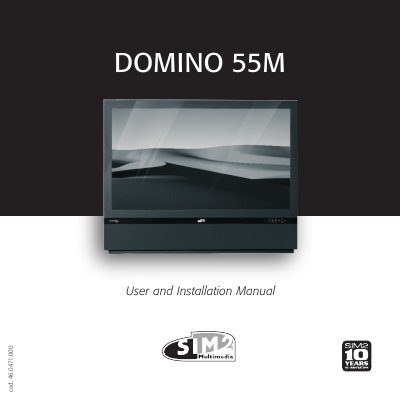
The SIM2 DOMINO 55M is a front projector utilizing Texas Instruments DLP technology with a 1280x720 pixel DMD panel. It features a proprietary dust-sealed optical system, a six-segment color wheel, and Fresnel lens technology to deliver high-resolution images with sharpness and contrast comparable to other renowned front projectors.
| Resolution | 1280x720 pixel DMD panel |
|---|---|
| Technology | Texas Instruments DLP |
| Inputs | 1 Composite, 1 S-Video, up to 2 Component/RGB, 1 DVI-D, 1 HDMI |
| Power Supply | 100-240 VAC, 50/60 Hz |
Yes, the unit can be controlled by a home automation system through the serial port.
The unit must be connected to a power outlet with a voltage rating between 100-240 VAC, 50/60 Hz and with a protective earth connection.
The projector includes one Composite Video input, one S-Video input, up to two Component or RGB inputs, one graphic RGB input, one DVI-D input, and one HDMI input.
The user can select the image Aspect ratio using the ASPECT button on the remote control.