
This user manual describes the features and operation of this monitor.
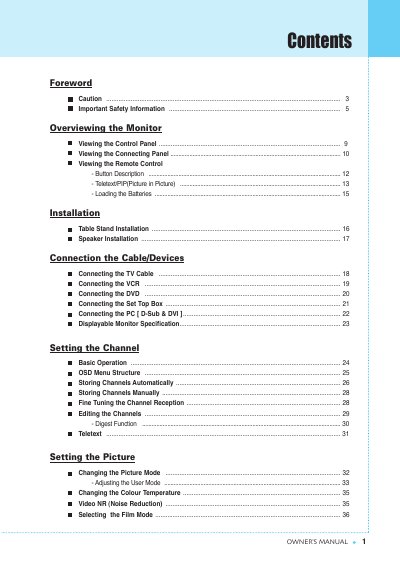
This document serves as an owner's manual for a computer monitor. It covers essential safety precautions regarding electrical shock and physical handling, along with detailed instructions on installing the stand and connecting various peripherals such as PCs, VCRs, DVD players, and set-top boxes.
The guide also explains how to operate the control panel and remote control, adjust picture and sound settings via the On-Screen Display (OSD), manage channel reception for TV functions, and utilize advanced features like Picture-in-Picture (PIP) and Teletext. A troubleshooting section is included to help resolve common issues.
The product operates on an AC power supply ranging from 100 to 240 volts.
You must unplug the unit if it has been dropped, exposed to rain or water, or exhibits a distinct change in performance.
The monitor must be connected to a grounded or polarized outlet with one blade wider than the other.