
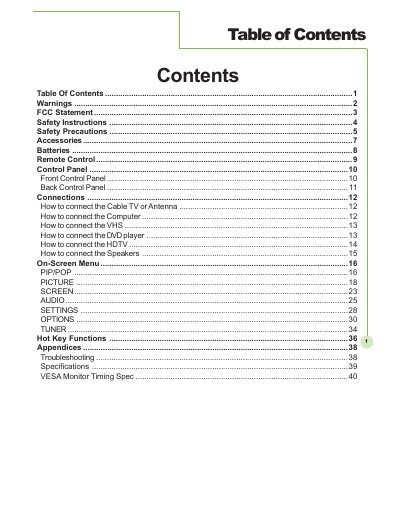
This document describes the warnings, safety instructions, accessories, batteries, remote control, control panel, connection methods, on-screen menu, hot key functions, appendices, troubleshooting, specifications, etc. It covers knowledge about the use and maintenance of the product.
This document serves as the Owner's Manual for a High Definition Plasma Display. It outlines critical safety warnings regarding electric shock, fire hazards, and proper ventilation, emphasizing that no user-serviceable parts are inside the unit.
The guide details the setup process, including how to connect various external devices such as Cable TV, Antenna, Computer, VHS, DVD player, HDTV, and Speakers. It also explains the functions of the On-Screen Menu, specifically PIP/POP and Hot Key Functions, and provides troubleshooting steps and technical specifications.
You must leave a space of 7 cm (approx. 3 inches) or more at the rear.
Unplug the power cord immediately and have the display evaluated at an Authorized Service Center.