
This document shows you how to install a Navico Expansion Port (NEP-1). The NEP-1 has five Ethernet ports used to share a variety of information — including sonar and radar data — with multiple display units, depending on the capability of the display unit.
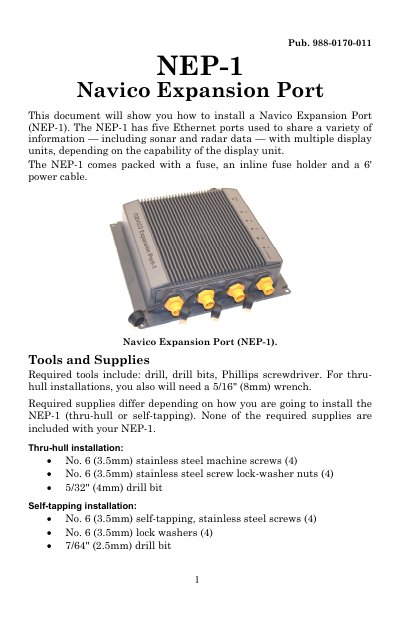
The Navico NEP-1 is an expansion port designed to share sonar and radar data with multiple display units via five Ethernet ports. The unit comes packaged with a fuse, inline fuse holder, and a 6-foot power cable.
Installation involves selecting a location at least 3 feet away from VHF radio antennas to prevent interference. Users must choose between a thru-hull installation using machine screws or a self-tapping method, requiring specific drill bits and stainless steel hardware not included in the package.
You need a drill, drill bits, a Phillips screwdriver, and a 5/16" (8mm) wrench.
The module must be installed at least 3 feet away from your VHF radio antenna.
You must use a 7/64" (2.5mm) drill bit.